As I continue my foray into game development on the
iOS and
Android platforms I wanted to take a few moments to share some tips that I have found to be very useful in creating an application that can will eventually run on both platforms.
Tips
General
- Separate the game logic from the user interface layer. This will make it easier to port the code over to the accompanying platform. For example, if you put the main game loop logic in a separate Java class, then you basically can just do a line by line conversion to Objective-C when you port it to iOS.
- Place all Strings in one location. Have a Constants.java where you put all of your static String objects, then when you port to iOS you just use the same thing, except now it is Constants.h.
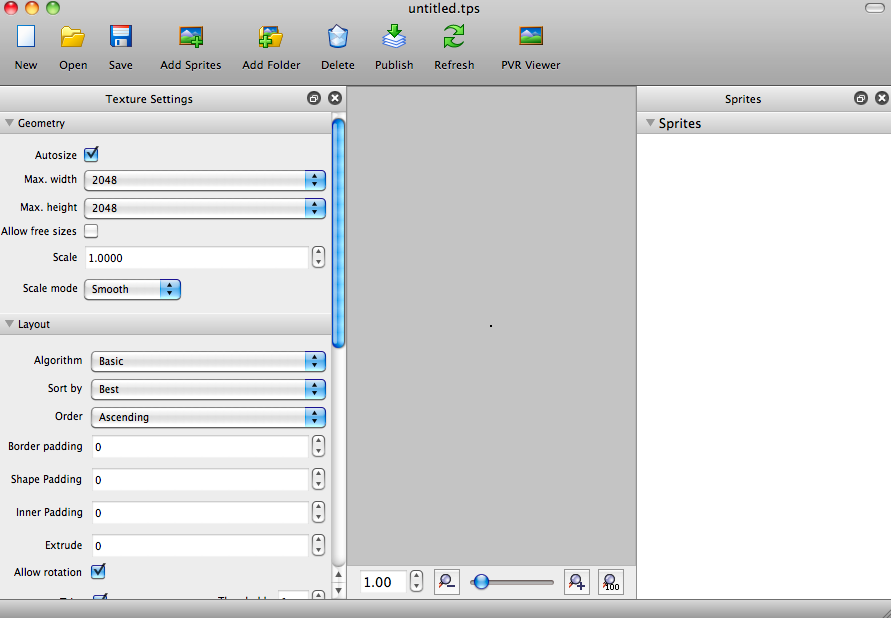
- If you are going to use Texture Atlases in your game, create them using a tool such as Texture Packer and then you will have the exact location of each Sprite stored in a file that can be easily referenced for both versions of the game.
iOS
Use a framework! Working with
Cocos2d made the transition re

latively smooth as we converted
Word Crank from its
Android version to
iOS.
Android

Get a good book, I read
Beginning Android Games
, it helped lay a good foundation for working with
Android and understanding the various states of a running application and the
GLSurfaceView that serves as the main background for all
OpenGL drawings.
Any questions? Just leave a comment. Thanks.